

Close Menu
Onupron TimesOnupron Times
    Breaking News

    Women Reservation Bill | Lok Sabha Rejects 131st Constitution Amendment Bill | What It Means for Women’s Reservation and Delimitation

    April 17, 2026

    Swami Vivekananda Scholarship 2026 (SVMCM) | Apply Online (Fresh/Renewal), Eligibility, Amount

    April 21, 2026

    Kerala Lottery Result Today 22 April, 2026 | Direct Link, Dhanalekshmi DL-49 Draw Announced – Check Winning Numbers, Prize Details

    April 22, 2026
    Facebook X (Twitter) Instagram YouTube WhatsApp
    Tuesday, April 28
    Facebook Instagram YouTube WhatsApp RSS
    Onupron TimesOnupron Times
    • Home
    • Biography
      • Lifestyle
    • Education
      • Admit Card
      • Scholarship
      • Online Form
      • Exam Updates
        • Answer Key
        • Results
    • Latest News
      • Breaking News
        • West Bengal News
        • India News
        • Politics News
      • Election News
      • Job News
    • Sarkari Yojana
    • Sports News
      • IPL News
    • Technology
      • Mobile
    Onupron TimesOnupron Times
    Home » Education » Answer Key » JEE Main 2026 Session 2 Answer Key Challenge Window Open | Check Dates, Fee, and Step-by-Step Process
    Answer Key

    JEE Main 2026 Session 2 Answer Key Challenge Window Open | Check Dates, Fee, and Step-by-Step Process

    Swastika PaulBy Swastika PaulApril 26, 20262 Mins Read
    Share Facebook Twitter LinkedIn WhatsApp
    JEE Main 2026 Session 2 Answer Key Challenge Window Open Check Dates, Fee, and Step-by-Step Process
    JEE Main 2026 Session 2 Answer Key Challenge Window Open Check Dates, Fee, and Step-by-Step Process
    Share
    Facebook Twitter WhatsApp Copy Link
    WhatsApp Group Join Now
    Follow in Google Follow Now

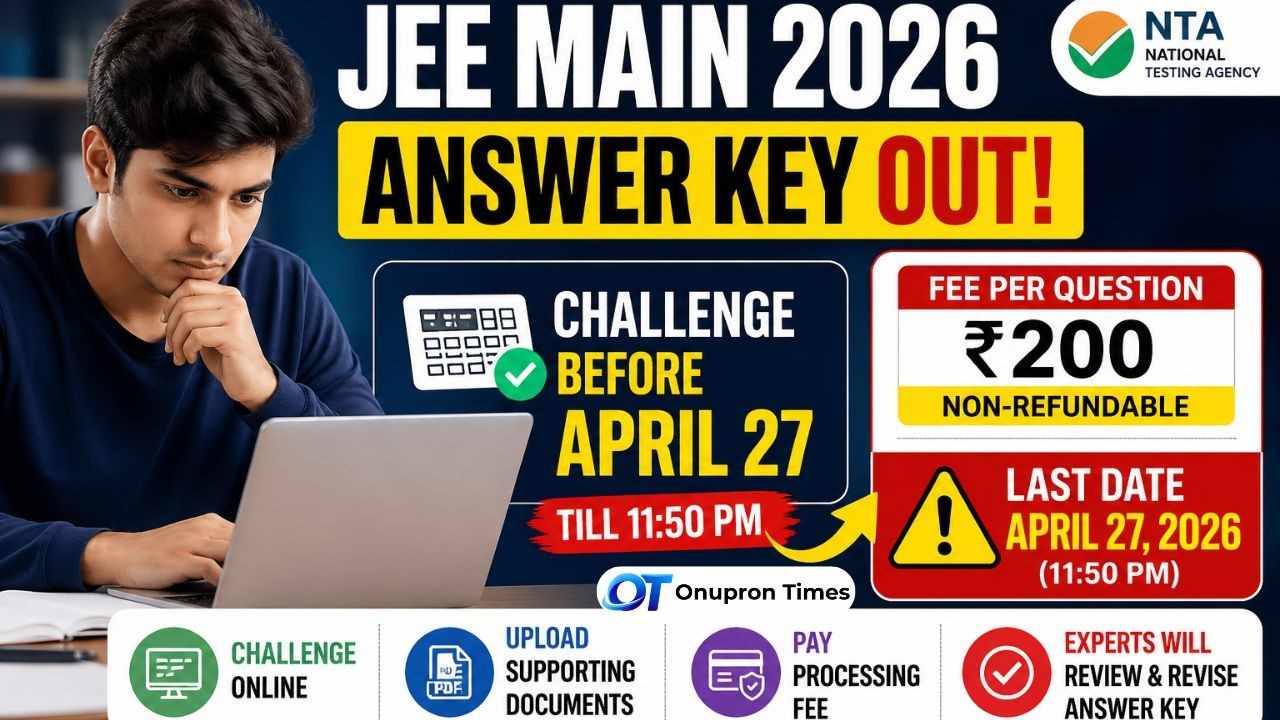
    JEE Main 2026 Session 2 Answer Key Challenge Window Open: The National Testing Agency (NTA) has released a notification for Display of Provisional Answer Keys and Recorded Response Sheet for Answer Key Challenge of Joint Entrance Examination (Main) – 2026 Session 2, Paper 2A (B. Arch) & 2B (B. Planning) (April 2026) – Reg.

    Along with the answer keys, candidates can now challenge any question they believe is incorrect within a limited time window.

    Table of Contents

    Toggle
    • JEE Main 2026 Session 2 Answer Key Challenge Window Open: Highlights
    • How to Challenge JEE Main 2026 Answer Key -step-by-step process
    • Important Rules You Should Know
      • What Happens After You Submit a Challenge?
      • Paper Pattern Overview

    JEE Main 2026 Session 2 Answer Key Challenge Window Open: Highlights

    • Exam: JEE Main 2026 Session 2
    • Papers Covered: Paper 2A (B.Arch) and Paper 2B (B.Planning)
    • Answer Key Challenge Dates: April 25 to April 27, 2026 (till 11:50 PM)
    • Challenge Fee: 200 per question (non-refundable)
    • Official Website: jeemain.nta.nic.in

    How to Challenge JEE Main 2026 Answer Key -step-by-step process

    Candidates must follow the official online process to submit objections. As shown on page 2 of the notice, the steps are straightforward:

    1. Visit the official JEE Main website: https://jeemain.nta.nic.in/
    2. Click on “Challenge(s) regarding Answer Key”
    3. Log in using your application number and password
    4. Select the question(s) you want to challenge
    5. Choose the correct option(s) you believe are accurate
    6. Upload supporting documents (in a single PDF file)
    7. Save your claim and proceed to payment
    8. Pay ₹200 per question via debit card, credit card, or net banking

    Related Article: JEE Main 2026 Session 2 Final Answer Key Released | Direct Link to Download PDF

    Official Notification: Download

    Important Rules You Should Know

    • Challenges will only be accepted after successful payment
    • No objections will be accepted after April 27, 2026 (11:50 PM)
    • The fee is non-refundable, even if the challenge is rejected
    • Candidates will not receive individual responses about acceptance or rejection

    What Happens After You Submit a Challenge?

    According to the notice, subject experts will review all the objections. If any challenge is found valid:

    • The answer key will be revised
    • Changes will apply to all candidates
    • The final result will be prepared based on the revised answer key

    Once finalized, the answer key cannot be changed further.

    Paper Pattern Overview

    From the notice (page 2), the structure of the papers is:

    • Paper 2A (B.Arch): 25 + 50 questions (Mathematics and Aptitude Test)
    • Paper 2B (B.Planning): 25 + 50 + 25 questions (Mathematics, Aptitude, and Planning-based MCQs)
    Follow on Google News
    Share. Facebook Twitter LinkedIn WhatsApp
    Previous ArticleKerala Lottery Results Today 26 April, 2026 | Direct Link, How This Platform Helps Millions Track Daily Lottery Results in Real Time
    Next Article PhonePe Crosses 10 Billion UPI Transactions in March 2026 | Google Pay Second
    Swastika Paul
    • Website
    • Facebook
    • Instagram
    • LinkedIn

    Swastika Paul is the Co-Founder of Onupron Times and the Principal of Tehatta Government ITI, West Bengal. With over 6 years of expertise in vocational education, she is dedicated to guiding students through the complexities of career planning. Swastika specializes in writing about scholarships, education updates, job opportunities, and Sarkari Yojanas, ensuring that students have the right information to build a successful future.

    Related Posts

    Answer Key By Syed Mosharaf Hossain

    SSC SI Result 2026: Final Answer Key, Response Sheet & Marks Released – Direct Link Here

    April 21, 2026
    Answer Key By Swastika Paul

    JEE Main 2026 Session 2 Final Answer Key Released | Direct Link to Download PDF

    April 20, 2026
    Answer Key By Syed Mosharaf Hossain

    JEE Main 2026 Session 2: Answer Key, Result Date, Question Paper & Full Details

    April 9, 2026
    Add A Comment
    Leave A Reply Cancel Reply

    Latest Update

    Gujarat Election Results Today 2026 Live | BJP Sweeps, Opposition Struggles to Keep Pace

    April 28, 20260 Views

    Kerala Lottery Result Today 28 April, 2026 | Sthree Sakthi SS-517 Draw Announced – Check Winning Numbers and Prize Details

    April 28, 20260 Views

    Nalanda University Recruitment 2026 | Multiple Non-Teaching Jobs for IT, Finance, and Engineering, Apply Before May 15

    April 28, 20260 Views

    LPG Price Update 2026 | New Rules from May 1, 25-Day Refill Limit and Price Hike Risk Explained

    April 27, 20261 Views

    Dhurandhar 2 Box Office Collection Day 39 | Ranveer Singh’s Blockbuster Refuses to Slow Down

    April 27, 20260 Views

    Kerala Lottery Result Today 27 April, 2026 | Direct Link, Bhagyathara BT-51 Draw, Full Details, Prize Structure and How to Check

    April 27, 20260 Views
    About Us
    Onupron Times Logo

    Onupron Times is an independent digital news and information platform under SD Onupron Group, delivering accurate and up-to-date updates on education, careers, government schemes, technology, and key developments across India.

    Education | Jobs | Government Schemes | Technology | Sarkari Yojana | Latest News

    Most Popular

    TS Inter Topper List 2026 : Telangana Inter Results 2026 Declared Today

    April 12, 202623 Views

    CBSE Class 10 Toppers List 2026: Full List, Region-Wise Performance, Marks & Complete Analysis

    April 15, 202610 Views

    Karnataka 2nd PUC Result 2026: Check Date, Time, Official Website & Complete Guide

    April 8, 20268 Views
    Our Picks

    Gujarat Election Results Today 2026 Live | BJP Sweeps, Opposition Struggles to Keep Pace

    April 28, 2026

    Kerala Lottery Result Today 28 April, 2026 | Sthree Sakthi SS-517 Draw Announced – Check Winning Numbers and Prize Details

    April 28, 2026

    Nalanda University Recruitment 2026 | Multiple Non-Teaching Jobs for IT, Finance, and Engineering, Apply Before May 15

    April 28, 2026
    © 2026 Onupron Times. Developed by SD Onupron Group.
    • About Us
    • Author Profiles
    • Contact Us
    • Disclaimer
    • Privacy Policy
    • Terms & Conditions

    Type above and press Enter to search. Press Esc to cancel.