


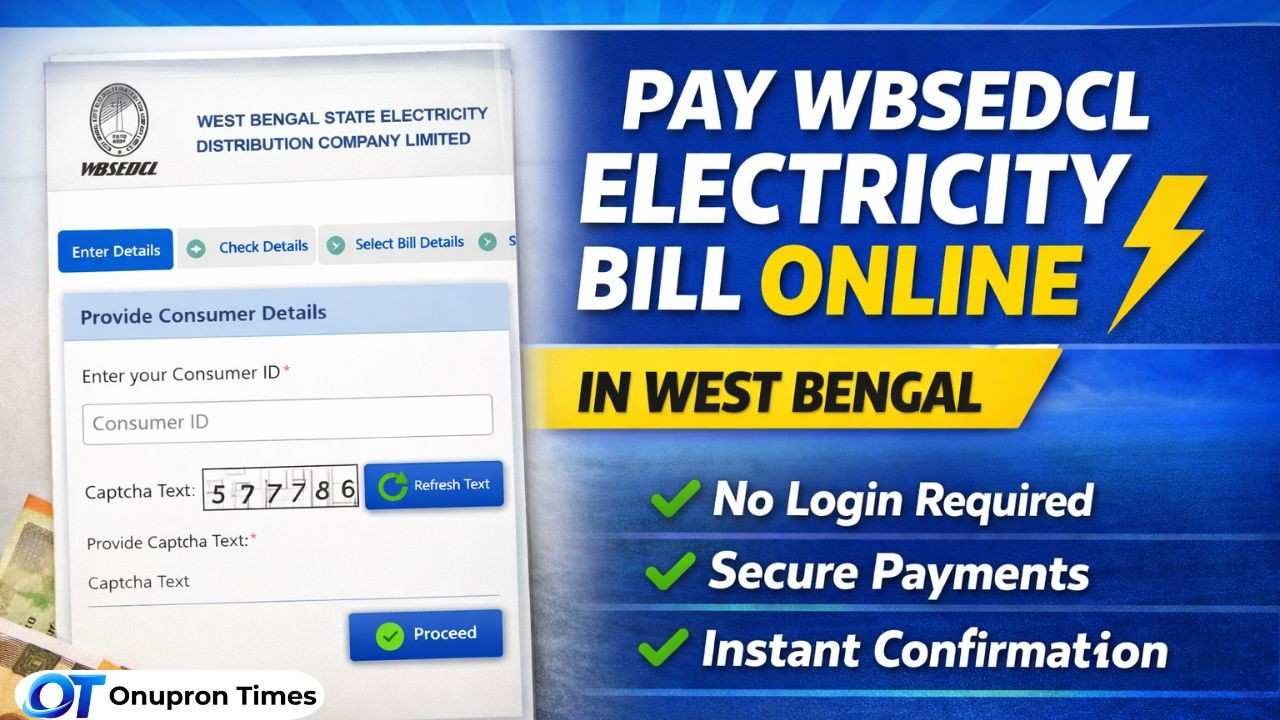
WBSEDCL Online Bill Payment Portal 2026: Nowadays, paying electricity bills is extremely fast and easy. If you receive electricity services from the ‘West Bengal State Electricity Distribution Company Limited’ (WBSEDCL), you no longer need to visit an office or stand in queues to submit your bill payments. Through their official online portal, you can now pay your bills right from the comfort of your home—at any time that suits your convenience.
If you are a WBSEDCL customer, this guide explains in detail how this portal works, the various benefits and features it offers, and why it is the smartest way to manage your electricity bills online.
What is the WBSEDCL Online Bill Payment Portal?
The WBSEDCL online payment system is a government-backed digital platform where users can:
- View unpaid electricity bills
- Pay bills instantly
- Download payment receipts
- Access billing details securely
The portal is designed to make bill payment simple, fast, and accessible for all users.
Key Features of WBSEDCL Online Payment System
- Quick Bill Payment Without Login
Users can directly enter their Consumer ID and mobile number to check and pay their bills without creating an account.
- View Unpaid Bills Instantly
After entering details, the system shows:
- Bill month
- Due date
- Total payable amount
This helps users verify details before making a payment.
- Multiple Payment Options
Consumers can pay using:
- Debit/Credit Card
- Net Banking
- UPI / BHIM
- Mobile Wallets
- BBPS (Bharat Bill Payment System)
- Instant Payment Confirmation
Once payment is successful:
- Receipt is sent via SMS & Email
- Users can also download it later from the portal
- Zero Transaction Charges
WBSEDCL currently does not charge any extra fee for online payments, making it cost-effective.
- E-Payment Rebate Benefit
Consumers may get rebates on timely online payments, encouraging digital transactions.
Step-by-Step Guide to Pay WBSEDCL Bill Online
Follow these simple steps:
- Visit the official payment portal: https://portal.wbsedcl.in/onlinepay/OnlineBillPay.jsp
- Enter your Consumer ID
- Fill in the captcha and required details
- Click on “View Unpaid Bill”
- Select the bill you want to pay
- Choose your preferred payment method
- Accept terms & conditions
- Click on “Make Payment”
After successful payment, you will receive confirmation instantly.
Important Tips While Paying Online
- Always enter the correct Consumer ID
- Wait at least one working day before retrying if the payment fails
- Save or download your payment receipt
- Avoid duplicate payments if the transaction status is unclear
Other Services Available on WBSEDCL Portal
Apart from bill payment, users can also:
- View and download electricity bills
- Track payment history
- Apply for new connections
- Lodge complaints online
- Register mobile/email for updates
Why You Should Use WBSEDCL Online Payment
Here’s why most users are shifting to online bill payment:
- No need to stand in long queues
- 24×7 availability
- Safe and secure transactions
- Instant confirmation
- Easy access from a mobile or a laptop
It saves both time and effort, especially for busy households and professionals.
Common Problems & Solutions
Problem: Payment deducted, but no receipt
Solution: Wait 24 hours and download the receipt from the portal
Problem: Unable to fetch the bill
Solution: Check Consumer ID and try again
Problem: Double payment
Solution: Contact the bank for a refund as advised by WBSEDCL
Related Article: https://onuprontimes.com/latest-news/west-bengal-news/
FAQ
Q1. What is Consumer ID in WBSEDCL?
It is a unique number printed on your electricity bill used to identify your connection.
Q2. Can I pay the WBSEDCL bill without login?
Yes, you can use the Quick Pay option without logging in.
Q3. Is there any extra charge for online payment?
No, WBSEDCL currently offers zero transaction charges.
Q4. How long does payment confirmation take?
Usually instant, but in some cases it may take up to 24 hours.
Q5. Can I download the payment receipt later?
Yes, you can download it from the official portal anytime.
